Back to Zip Insights
Want to buy now, pay later? See how the Zip Card works
November 17, 2026
Share article
Looking for a way to pay without paying for everything upfront? You might be surprised to learn that traditional credit cards aren't your only option.
Buy now, pay later cards offer another way to make purchases and spread the cost over time. Instead of paying the full amount at checkout, eligible shoppers can split purchases into smaller, scheduled payments.
The Zip Card is one of these options, offering a flexible way to pay online or in-store on a payment schedule you can review upfront. Here's how it works, where you can use it, and what makes it different from other cards.
What is the Zip Card?
The Zip Card is a buy now, pay later card that lets eligible shoppers split purchases into installments rather than paying the full amount upfront.
Unlike a traditional credit card, each purchase is reviewed individually for approval. You can choose to pay in full or split eligible purchases into 2, 4, or 8 installments,2 depending on eligibility and availability. Your first payment is due at checkout, with the remaining payments generally scheduled every two weeks.
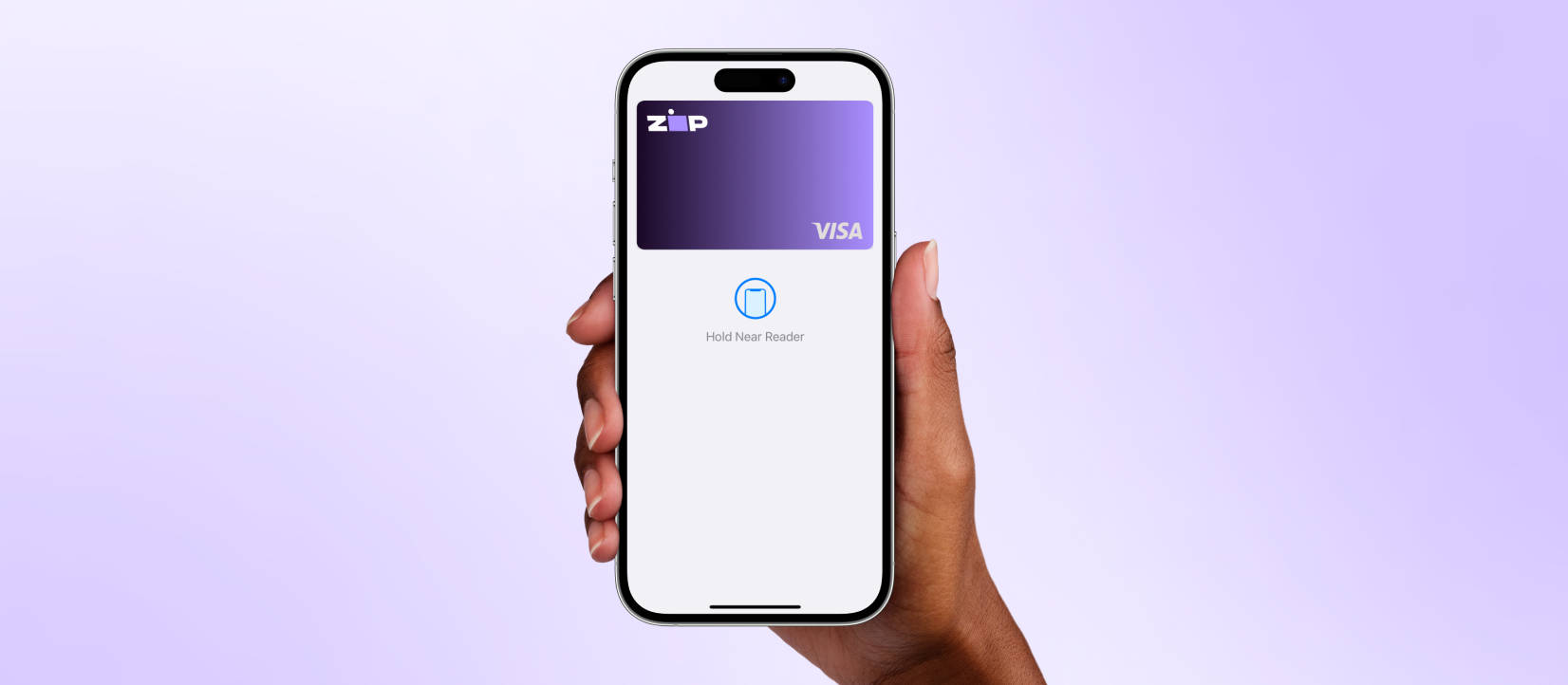
You can pay online or in-store using a virtual card through the Zip app or, if eligible, a physical Zip Card for added convenience.
How does the Zip Card work?
Using the Zip Card starts in the Zip app, where you can request a purchase, review your payment options, and see exactly what you'll owe before checking out.
Here's how the process works:
Download the Zip app: Create an account and add an eligible payment method
Choose where to spend: Browse online or visit nearly any store or provider that accepts Visa1
Request your purchase: Enter the amount you’d like to spend and submit your request for approval
Review your payment plan: See your scheduled payments, applicable fees, and total repayment amount upfront
Complete checkout: Tap to pay with your approved virtual card or physical Zip Card, or add your Zip card as your payment method when shopping at an online merchant through the Zip app.
Manage your payments: Track upcoming installments directly in the Zip app
What’s the difference between a virtual Zip Card and a physical Zip Card?
Both options let eligible customers pay with Zip. They just suit different moments.
Virtual Zip Card
The Zip virtual card is generated through the Zip app. Use it to complete eligible online purchases, or add it to a supported digital wallet like Apple Pay or Google Pay to tap and pay in-store.
You’ll have one virtual card that you can use for every purchase request.
Physical Zip Card
The physical Zip Card is an actual Visa card you carry in your wallet. It works in the same places as your virtual card, online and in-store, nearly anywhere Visa is accepted.1
Not everyone is eligible for a physical card. If you are eligible, you’ll see it available to you on the Zip app. Getting one doesn’t cost anything extra. There’s no annual card fee. Installment fees still apply to your purchases, but they’re always shown before you confirm. Late fees may apply.
How to request a physical Zip Card
Open the Zip app
If you’re eligible, you’ll see a Request Card section. Tap Card to get started
Choose the option to request or order a physical Zip Card
Confirm your shipping information
Follow the prompts to submit your request
Once you have your card, it works like any other card at checkout. You can tap, insert, or swipe it in-store, or enter the card number online. The one difference is that you request the purchase in the Zip app first. The physical card only works for purchases you’ve requested and had approved in the app. If you try to pay without an approved request, the purchase won’t go through.
How to use the Zip Card online or in-store
Using your Zip Card takes a few taps in the app, whether you’re shopping online or in a store. Your card works nearly anywhere Visa is accepted, even if Zip isn’t listed at checkout.1
How to make a purchase:
Start a purchase in the Zip app. Shopping or paying bills online? Search for the store or provider in the app browser and tap “Pay with Zip” at checkout. In a store, or using your physical card online? Tap “In-store,” then “Pay in-store”
Enter your purchase amount. If you don’t know the total yet, select “Not sure yet”
Pick your installment plan and continue
Pay with your Zip Card. Once you’re approved, your funds are loaded on your card. Online, follow the prompts to finish checkout. In a store, tap, insert, or swipe your physical card, or use your virtual card through your phone’s digital wallet
What can you use the Zip Card for?
From the weekly grocery run to a big back-to-school haul, the Zip Card is built for everyday spending and the bigger purchases in between. Here are some of the ways people use it:
Groceries and household essentials: Stock up on food, cleaning supplies, and toiletries without paying it all at once
Gas and everyday errands: Cover fill-ups, pharmacy trips, and the other small costs that add up
Bills: Spread out eligible bills so a big one doesn’t land all at once
School supplies and kids’ needs: Handle backpacks, clothes, and supplies when everything is due at the same time
Clothing and shoes: Refresh your wardrobe or replace what you’ve outgrown
Electronics and home goods: Get the laptop, appliance, or furniture you need now and pay over time
Dining and holiday shopping: Plan for gifts, travel, and seasonal spending
Not every purchase or merchant is eligible. Zip can only be used for US purchases and certain products, goods, and services are restricted, and all transactions are subject to approval. 1
What are the benefits of using the Zip Card?
The Zip Card offers more than just a way to split payments. Here are some of the key features and benefits to know about:
Pay in installments: Split eligible purchases into scheduled payments, with Pay in 2, 4, or 8,2 depending on eligibility and availability
Take Zip to more places: Shop nearly everywhere Visa is accepted, online or in-store 1
Keep your cash flow flexible: Spread the cost of a purchase over time and keep more money in your account today
Know what you’ll pay: Review installment amounts, due dates, and applicable fees before you confirm
Short-term loans: Each purchase is reviewed and approved separately, and paid back in installments
Choose virtual or physical: Use a virtual card, or a physical card if eligible, whichever fits the moment
Flexible payment date change: Eligible customers may be able to adjust certain payment due dates, subject to applicable terms and fees 3
Track in the app: Track your estimated spending power, recent purchases, upcoming installment payments, and more all in the Zip app 4
How does the Zip Card compare to other pay-later options?
Pay-later cards are becoming more common, but they don’t all work the same way. Some require a paid membership to unlock a reusable card. Others are only usable at network merchants, and others have strict acceptance. Some don’t offer a physical card at all.
The Zip Card keeps it simpler:
No subscription required: You don’t need to pay for a membership to access the Zip Card and its features
Virtual and physical options: Shop with a virtual card online and in-store, and add a physical card if you’re eligible
Nearly everywhere Visa is accepted: Use it at the places you already shop, even when Zip isn’t offered at checkout 1
Flexible, non-revolving payment options: Choose eligible Pay in 2, 4, or 8 plans with costs disclosed upfront 2
Does the Zip Card have any fees?
While there may be an installment fee, there are no annual, subscription, or activation fees for using your physical or virtual Zip Card.
One of the benefits of using Zip is knowing exactly what to expect before you buy. You'll see your installment amounts, payment dates, and any applicable fees upfront, so you can make informed decisions about what works best for your budget. Late fees may apply.
Is the Zip Card right for you?
The Zip Card might be a good fit if you want to spread a purchase into scheduled payments and know what you’ll owe before you commit. Getting started takes a few simple steps in the Zip app—just request a purchase, review your payment plan and applicable fees, and once you’re approved, confirm if it works for your budget.
3A fee may apply for payment date changes.
4 Displayed estimated spending power is for representative purposes only. Your Estimated Spending Power is a point-in-time estimate of how much you may be able to spend, is not guaranteed, and is impacted by a number of factors. Zip or WebBank may decrease your estimated spending power within its reasonable discretion, including where you have previously had an unpaid balance or have an amount past due. Your estimated spending power is not an open line of credit. Each transaction is separately reviewed for approval. For additional details, please see the terms and conditions.